
The 30-Second Platform Test
You don't need to research every app. You need six questions.
- Kids raised with these boundaries keep real friendships, put the phone down without a fight, and come to you when something online goes sideways.
- The shift: stop evaluating platforms by name and start evaluating them by design.
Your kid just asked to download a new app. Six questions tell you everything you need to know.
Your child is going to ask. Maybe they already have. "Can I get this app? Everyone's on it."
You could spend an hour reading reviews, scanning privacy policies, checking age ratings. Or you could learn six questions that work on every platform, every time, in about 30 seconds.
The trick? You don't evaluate platforms by name. You evaluate them by design. The same handful of manipulative patterns show up everywhere. Learn them once, and you have x-ray vision for any app your kid brings home.
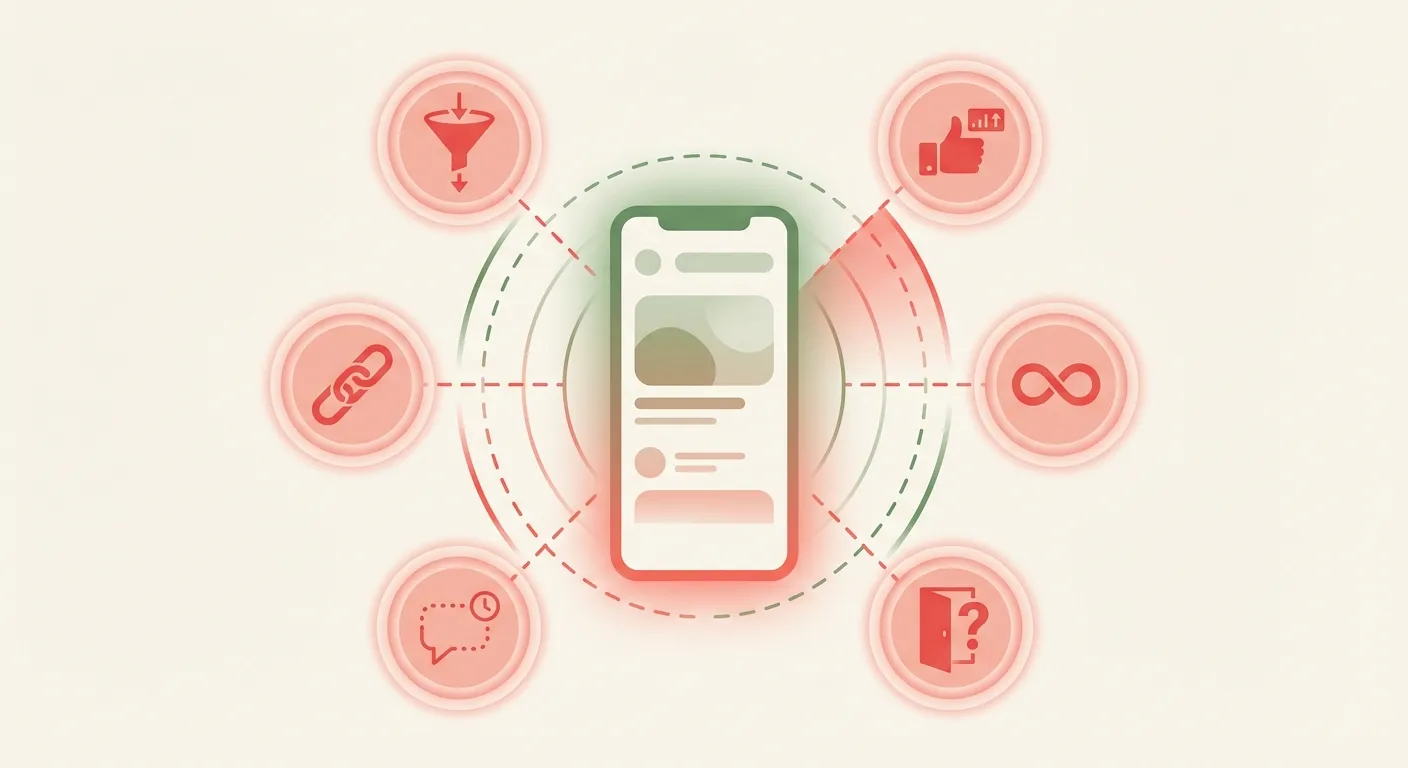
The Six Questions
Every social platform is some combination of these six design traps. The more a platform uses, the less safe it is for a developing brain. Run any app through the list:
That's it. Six yes-or-no questions. Count the yeses.
Most platforms parents worry about? They light up four, five, even all six. That's not a coincidence. The features that make a platform addictive for adults are the same ones that cause the most documented harm in young people. Algorithmic feeds, social comparison mechanics, infinite scroll — these are the patterns research keeps flagging for anxiety, sleep disruption, and negative self-image in teens.
What Actually Passes the Test
Kids need social connection. That's real and valid. The question is whether they need these specific platforms for it. Turns out, the tools that score lowest on design traps do the best job at what your child actually wants: talking to their friends.
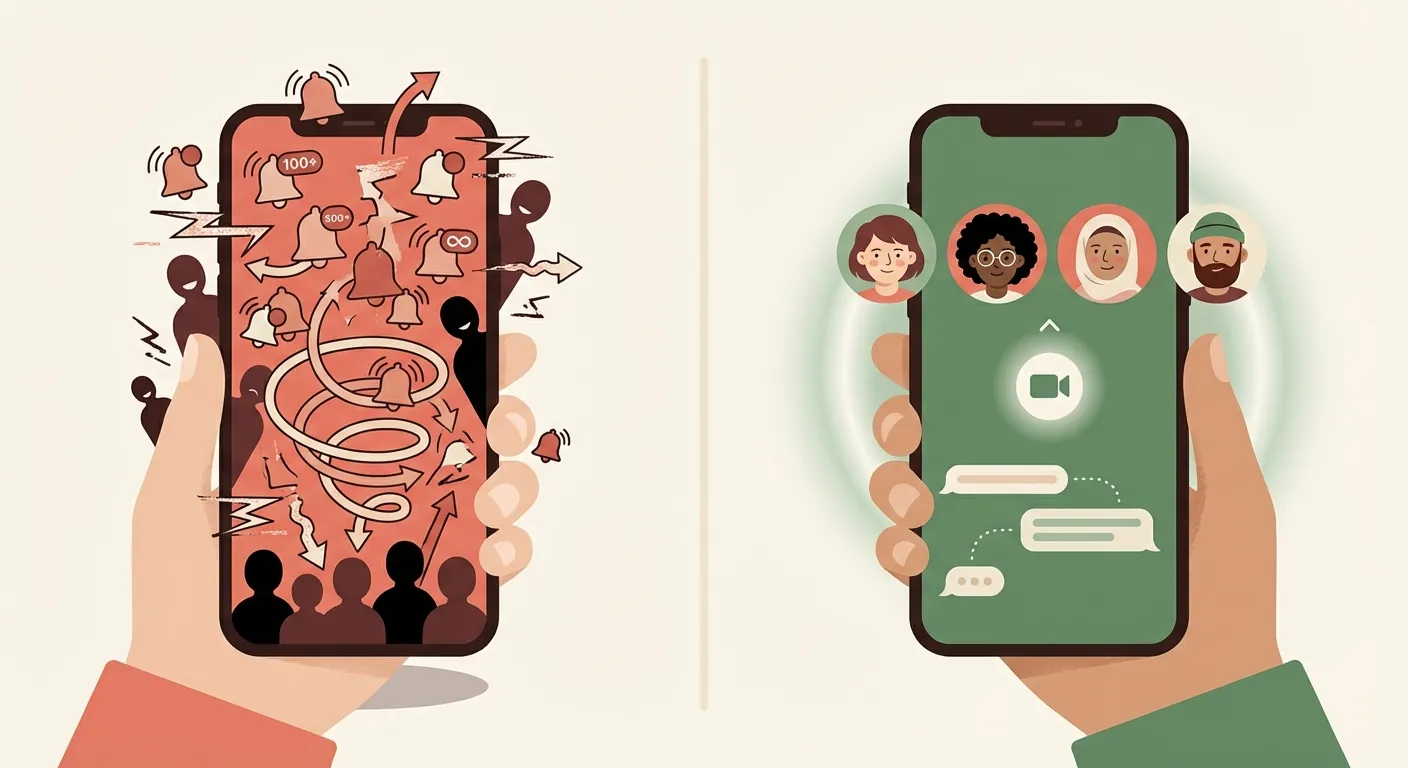
| Tool | What It Does | Traps? |
|---|---|---|
| Group texts | Direct connection with people who already have each other's numbers. The conversation is the point, not the performance. | 0 |
| Video calls | Face-to-face, interactive, ends naturally. Great for maintaining long-distance friendships. | 0 |
| Longer videos (laptop, autoplay off) | Tutorials, how-tos, documentaries. Watching on a laptop with autoplay off requires a conscious choice to continue. | 1 |
Notice the pattern: the safest tools are the ones that connect your child to people they already know, end naturally, and don't attach numbers to anything.
Before Any Platform: Three Readiness Checks
Even a low-trap platform isn't right if your child isn't ready. Three questions settle it:
-
1
Can they walk away? When you say "time's up," does the device go down without a fight? If screen time already triggers daily battles, adding a platform engineered for engagement makes things worse, not better.
-
2
Do they have a life offline? A child with friends, activities, and interests they care about has an anchor. A child who's already lonely is far more vulnerable to the comparison trap — measuring their real life against everyone's curated highlight reel.
-
3
Will they come to you? If something uncomfortable happens online — a mean message, a disturbing image, a stranger asking questions — will your child tell you? If "probably not," the platform becomes unsupervised space where problems compound quietly.
Three nos? Not ready yet, regardless of age. Three yeses? You have a foundation to build on.
The Key Shift
This isn't "no screens forever." It's a graduated rollout based on demonstrated readiness.
The Conversations You'll Have
Your kid has arguments. They're good ones. Having your response ready means you don't cave in the moment.
The Rollout
This isn't a one-time decision. It's a progression:
| Stage | What to Do |
|---|---|
| Start safe | Group texts and video calls first. Let them prove they can manage these before anything with a feed. |
| One at a time | When you add a new platform, introduce it alone. See how your child handles it before stacking more. |
| Check the signal | Ask regularly: "How does this platform make you feel after using it?" Their honest answer tells you more than any parental control app. |
| Watch for the shift | Compulsive checking. Getting upset after scrolling. Losing interest in offline things. These are signals to pull back — not power through. |
The Bottom Line
You don't need to memorize which platforms are safe. You need six questions and the willingness to act on the answers.