
The Phone Ladder: Give Your Kid a Phone Without Giving Away the Internet
A flip phone at eight looks strange. At thirteen, it looks like genius.
- Kids who start boring and level up learn to self-regulate screens, resist peer pressure on their own terms, and treat freedom as something earned.
- The move: pick the minimum viable device, set clear expectations before unboxing, and upgrade from calm assessment — never conflict fatigue.
Four tiers. One rule: start boring, level up with trust.
Your kid needs a phone. Maybe it's the carpool logistics. Maybe everyone in their class already has one. Maybe you're just tired of lending them yours.
The temptation is to hand over a smartphone and add some parental controls. Quick, easy, done. But here's the problem: you just gave a child unrestricted access to the entire internet and are relying on software to keep them safe. That's like teaching someone to swim by pushing them into the ocean with floaties.
There's a smarter move. Think of your kid's first phone not as a single purchase, but as a progression system -- a ladder they climb by demonstrating they can handle each rung.
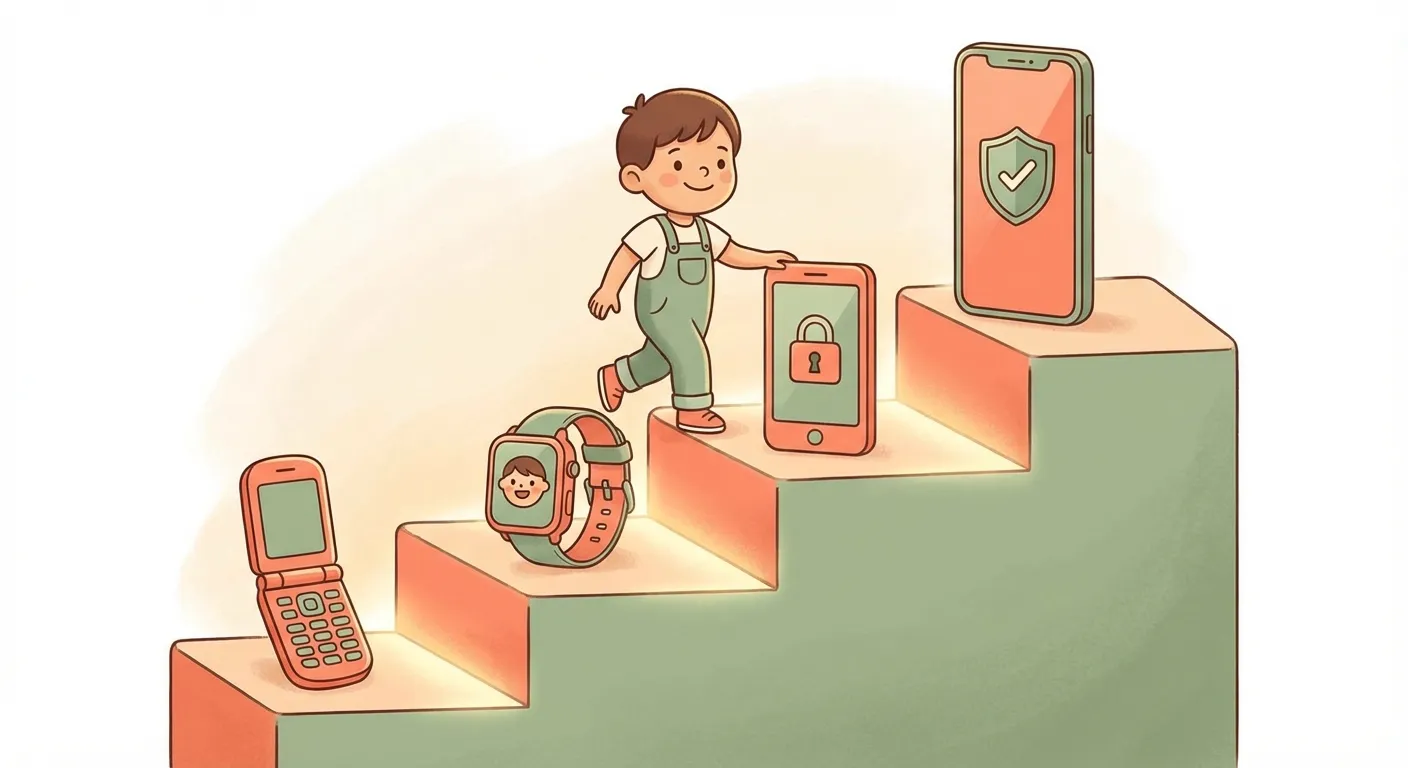
Start simple. Level up with trust.
The Four Tiers at a Glance
Before we dig into the details, here's the full picture. Think of these as levels, not options. You start at the tier that fits your child's current reality, and upgrade only when there's a real reason.
| Tier | Device Type | Best For | What It Does | What It Doesn't |
|---|---|---|---|---|
| 1 | Flip phone | Any age; need = "reach a parent" | Calls, slow texting | Internet, apps, camera |
| 2 | Smart watch | Elementary kids on the go | Calls, texts, GPS tracking, quiet hours | Web browsing, social media |
| 3 | Limited phone | Middle school / early high school | Touchscreen, texts, camera, curated apps | Open internet, social media, app store |
| 4 | Full smartphone | Older teens who've earned it | Everything -- with parental guardrails active | Nothing (that's the point of earning it) |
Before You Buy: The MATCH Checklist
Five questions, five minutes. Run through these before committing to any device.
Map the actual need
Why does your child need a device right now? "To reach me after practice" is a different answer than "all their friends have one."
Assess maturity signals
Do they follow existing screen rules? Handle boredom without immediately grabbing a device? Maturity beats birthday every time.
Target the minimum viable device
Pick the simplest thing that solves the need you just mapped. A kid who needs to call you doesn't need a touchscreen.
Check for hidden access
Research what the device actually does, not what the box says. Some "kid-safe" gadgets connect to app stores, payment ecosystems, or unfiltered web content through back doors.
Have the conversation first
Before the device leaves the box, sit down together. What's it for? When does it get put away? What happens if expectations aren't met? This talk matters more than any parental control app.

The most powerful parental control: a conversation before the unboxing.
What to Actually Say
The handoff conversation doesn't need to be long. It needs to be clear. Here are scripts that work at every tier.
Words That Work
Notice the framing: collaborative, not punitive. You're on the same team.
Naming matters
Skip "kids' phone" -- no teenager wants that label. "My phone" or "my starter phone" works. Most limited-feature phones look identical to regular smartphones, so there's nothing to explain. If friends ask about apps: "My parents don't allow that yet" puts it on you, not them.
The Traps Hiding in "Safe" Devices
Even if you nail the tier, devices have surprises. Here's what to look for after the purchase.

What the marketing doesn't mention.
Four Things That Slip Through
The Upgrade Conversation
Your kid handled Tier 2 like a champ. They put the watch away at bedtime, didn't fuss during school hours, came to you when something weird popped up. Now they're asking for a real phone. How do you decide?
Upgrade because...
- They've earned trust at the current tier
- Their actual needs have changed (new school, driving)
- You're making a calm, planned decision
Wait because...
- They're struggling with current rules
- The real driver is peer pressure (theirs or yours)
- You're tired of the argument and just want it to stop
That last one is the sneaky one. If you're handing over a phone because you're exhausted by the lobbying campaign, that's a signal to slow down, not speed up. Upgrade decisions should come from calm assessment, not conflict fatigue.
Playing the Long Game
The phone conversation doesn't have to be a battle. When you frame it as a ladder -- with clear tiers, honest conversations, and trust-based upgrades -- it becomes something your kid actually wants to climb. They're not being restricted. They're leveling up.
And that flip phone your 8-year-old starts with? In five years, when they're handling a full smartphone responsibly while their friends are getting theirs taken away for the third time, you'll know exactly why you started there.